
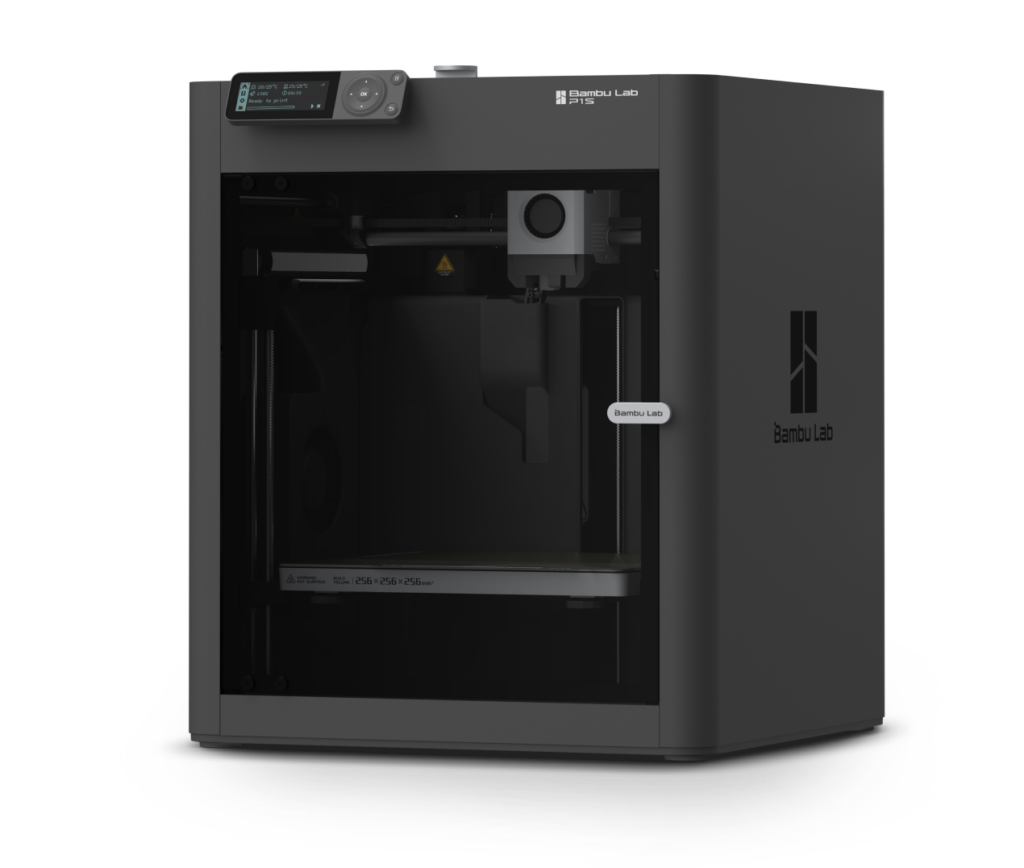
The Bambu Lab P1S and X1C are high-speed, enclosed 3D printers known for their exceptional reliability and ease of use. The P1S is a powerful, streamlined workhorse for printing advanced materials, the X1C ifeatures an AI-driven camera and LiDAR sensors for automated calibration and failure detection. Both support multi-color printing via the AMS system, making them the perfect tools for everything from rapid engineering prototypes to detailed artistic projects in our STEM spaces.
Steps for Printing
- Make your model. If you’re just starting, use TinkerCAD. If you want something more advanced, ask Dr. Taylor about OnShape or Fusion 360. Export the model in STL format.
- Upload the model to the Upload folder (Link is in red on makerspace board).
- Download it on the laser cutter computer and open in Bambu Slicer.
- Check your settings. Ask if you get stuck!
- Check nozzle size (we have .4mm and .6mm)
- Check your plastic (we use PETG, PLA, TPU, and PETG-PC)
- Check the printer
- P1S or X1C
- Does it have correct nozzle?
- Correct plastic loaded?
- Send it
- Ask for help if you aren’t sure all of the settings are right.
- Watch it
- Don’t leave before you’re sure the first layer is good.